MOVA: Revolutionary Open-Source Video-Audio Generation Model
Introduction
On January 29, 2026, the OpenMOSS team in collaboration with MOSI officially released MOVA (MOSS-Video-and-Audio), a groundbreaking open-source foundation model that addresses the "silent era" of AI video generation. Unlike traditional cascaded approaches that generate video and audio separately, MOVA achieves true native bimodal generation—synthesizing video and audio simultaneously in a single inference pass for perfect synchronization.
In an industry dominated by closed-source models like Sora 2, Veo 3, and Kling, MOVA stands out as a fully open-source alternative, making its model weights, training code, inference code, and fine-tuning recipes publicly available to the AI community.
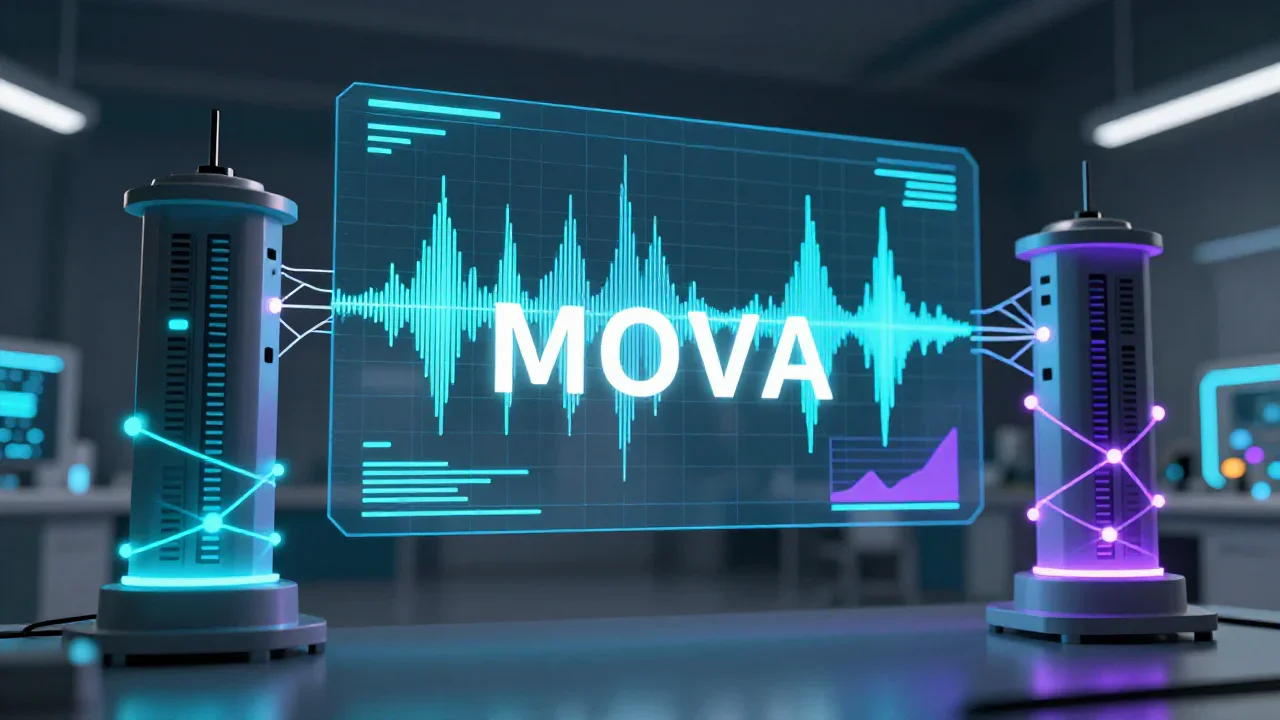
What Makes MOVA Unique?
Native Bimodal Generation
MOVA's most significant innovation is its ability to generate video and audio content simultaneously rather than merging them post-production. This native bimodal approach eliminates the synchronization errors and quality degradation common in cascaded pipelines, resulting in perfectly aligned audio-visual content.
Technical Architecture
MOVA employs an innovative asymmetric dual-tower architecture with bidirectional cross-attention fusion mechanism:
- Total Parameters: 32B (18B active during inference)
- Architecture Type: Mixture-of-Experts (MoE) model
- Design Philosophy: Leverages pre-trained video and audio towers fused via cross-attention for rich modality interaction
This architecture enables MOVA to understand and generate complex relationships between visual content and corresponding audio, including:
- Multilingual lip synchronization: Industry-grade accuracy across multiple languages
- Environment-aware sound effects: Context-appropriate audio generation
- High-fidelity synthesis: Professional-quality video-audio output
MOVA Model Specifications
Available Models
MOVA is released in two resolution variants to accommodate different use cases and hardware capabilities:
MOVA-360p
- Resolution: 360p video generation
- Duration: Up to 8 seconds per generation
- Use Case: Development, testing, and resource-constrained environments
- Download: Available on Hugging Face
MOVA-720p
- Resolution: 720p HD video generation
- Duration: Up to 8 seconds per generation
- Use Case: Production-quality content creation
- Download: Available on Hugging Face
Model Parameters
- Total Parameters: 32 billion
- Active Parameters: 18 billion during inference (MoE architecture)
- Model Type: Mixture-of-Experts (MoE) diffusion model
- License: Apache 2.0 (fully open-source)
- Framework: Diffusers
- Format: Safetensors
Hardware Requirements and Performance
Inference Performance Benchmarks
MOVA's performance varies significantly based on hardware configuration. Here are the official benchmarks for generating 8-second 360p videos:
NVIDIA RTX 4090 (Consumer GPU)
- VRAM Usage: 48GB (with component-wise offload)
- Processing Speed: 37.5 seconds per inference step
- Configuration: Component-wise offload to system RAM
- Best For: Enthusiasts and small studios with high-end consumer hardware
NVIDIA H100 (Data Center GPU)
- VRAM Usage: 48GB (with component-wise offload)
- Processing Speed: 9.0 seconds per inference step
- Configuration: Component-wise offload to system RAM
- Best For: Production environments requiring faster generation
Memory-Optimized Configuration
- VRAM Usage: As low as 12GB
- Configuration: Layerwise offload enabled
- Trade-off: Significantly increased processing time
- Best For: Users with limited GPU memory
System Requirements
Minimum Requirements:
- GPU: NVIDIA RTX 3090 or equivalent (24GB VRAM)
- System RAM: 64GB
- Storage: 100GB free space for model weights
- OS: Linux (Ubuntu 20.04+), Windows 10/11, macOS
Recommended Requirements:
- GPU: NVIDIA RTX 4090 or H100 (48GB+ VRAM)
- System RAM: 128GB
- Storage: 200GB SSD
- OS: Linux (Ubuntu 22.04+)
Installation and Setup
Environment Setup
MOVA requires Python 3.13 and can be installed using conda for environment management:
# Create a new conda environment
conda create -n mova python=3.13 -y

# Activate the environment
conda activate mova

# Install MOVA from source
pip install -e .
Downloading Model Weights
MOVA model weights are hosted on Hugging Face and can be downloaded using the Hugging Face CLI:
# Install Hugging Face CLI
pip install huggingface-hub

# Download MOVA-360p model
huggingface-cli download OpenMOSS-Team/MOVA-360p --local-dir /path/to/MOVA-360p

# Download MOVA-720p model
huggingface-cli download OpenMOSS-Team/MOVA-720p --local-dir /path/to/MOVA-720p
Basic Usage
Once installed, you can generate video-audio content using MOVA's inference API:
from mova import MOVAModel

# Load the model
model = MOVAModel.from_pretrained("/path/to/MOVA-720p")

# Generate video with audio from text prompt
result = model.generate(
    prompt="A person speaking in a cafe with ambient sounds",
    duration=8,  # seconds
    resolution="720p"
)

# Save the output
result.save("output.mp4")
Training and Fine-Tuning
MOVA provides comprehensive training capabilities with three LoRA fine-tuning modes to accommodate different hardware configurations:
Low-Resource Mode (Single GPU)
- VRAM: ~18GB
- System RAM: ~80GB
- Best For: Individual researchers and developers with consumer GPUs
Accelerate Mode (Single GPU)
- VRAM: ~100GB
- Best For: High-end workstations with professional GPUs
Accelerate + FSDP Mode (Multi-GPU)
- Configuration: 8 GPUs
- VRAM per GPU: ~50GB
- Processing Speed: 22.2 seconds per training step
- Best For: Research labs and production training pipelines
Performance Evaluation
Verse-Bench Results
MOVA demonstrates superior performance on Verse-Bench, a comprehensive benchmark for video-audio generation models:
- LSE-D Score: 7.094 (720p with Dual CFG enabled)
- LSE-C Score: 7.452 (720p with Dual CFG enabled)
- Ranking: Outperforms existing open-source models in lip-sync accuracy
- Speech Recognition: Superior metrics compared to comparable models
Human Evaluation
In blind human evaluations, MOVA achieved:
- Strong Elo scores against comparable open-source models
- High win rates in side-by-side comparisons
- Positive feedback on audio-visual synchronization quality
MOVA vs. Other Video Generation Models
Comparison with Closed-Source Models
| Feature | MOVA | Sora 2 | Veo 3.1 | Kling AI |
|---|---|---|---|---|
| Open Source | ✅ Yes | ❌ No | ❌ No | ❌ No |
| Native Audio | ✅ Yes | ✅ Yes | ✅ Yes | ✅ Yes |
| Max Duration | 8s | 20s | Variable | 120s |
| Max Resolution | 720p | 1080p | 4K | 1080p |
| Lip Sync | ✅ Excellent | ✅ Excellent | ✅ Excellent | ✅ Excellent |
| Training Code | ✅ Available | ❌ No | ❌ No | ❌ No |
| Model Weights | ✅ Available | ❌ No | ❌ No | ❌ No |
| Cost | Free | Paid | Paid | Paid |
Key Advantages of MOVA
1. Full Transparency: Unlike closed-source alternatives, MOVA provides complete access to model architecture, training data pipelines, and fine-tuning scripts.
2. Research Freedom: Researchers can modify, extend, and experiment with MOVA without restrictions.
3. Cost-Effective: No API fees or usage limits—run MOVA on your own hardware.
4. Community-Driven: Open-source development enables rapid improvements and community contributions.
Use Cases and Applications
Content Creation
- Social Media: Generate short-form video content with synchronized audio for platforms like TikTok, Instagram Reels, and YouTube Shorts
- Marketing: Create product demonstrations and promotional videos with voiceovers
- Education: Produce educational content with narration and visual demonstrations
Research and Development
- AI Research: Study video-audio generation mechanisms and improve upon existing architectures
- Multimodal Learning: Explore cross-modal relationships between visual and auditory information
- Benchmark Development: Create new evaluation metrics for video-audio generation quality
Entertainment
- Animation: Generate animated sequences with synchronized dialogue
- Music Videos: Create visual content that matches musical compositions
- Game Development: Generate cutscenes and character animations with voice acting
Getting Started with MOVA
Quick Start Guide
- Set up your environment with Python 3.13 and conda
- Download model weights from Hugging Face (choose 360p or 720p)
- Install dependencies using pip
- Run your first generation with a simple text prompt
- Experiment with parameters to optimize for your use case
Community Resources
- GitHub Repository: https://github.com/OpenMOSS/MOVA
- Hugging Face Models:
- Documentation: Available in the GitHub repository
- Community Discussions: Join the conversation on Hugging Face
Conclusion
MOVA represents a significant milestone in the democratization of AI video-audio generation technology. By providing a fully open-source alternative to closed-source models like Sora 2, Veo 3, and Kling, MOVA empowers researchers, developers, and content creators to explore and innovate without the constraints of proprietary systems.
With its native bimodal generation, industry-grade lip synchronization, and comprehensive training resources, MOVA is positioned to accelerate research and development in multimodal AI. Whether you're a researcher exploring new architectures, a developer building applications, or a content creator producing videos, MOVA offers the tools and flexibility to bring your vision to life.
The release of MOVA marks the end of the "silent era" in open-source video generation. As the community continues to build upon this foundation, we can expect rapid advancements in video-audio generation quality, efficiency, and accessibility.
Frequently Asked Questions
Q: Can I use MOVA for commercial projects?
A: Yes, MOVA is released under the Apache 2.0 license, which permits commercial use.
Q: What GPU do I need to run MOVA?
A: Minimum NVIDIA RTX 3090 (24GB VRAM), but RTX 4090 or H100 recommended for better performance.
Q: How does MOVA compare to Sora 2 in quality?
A: While Sora 2 supports longer durations and higher resolutions, MOVA offers competitive quality for 8-second 720p generations with the advantage of being fully open-source.
Q: Can I fine-tune MOVA on my own data?
A: Yes, MOVA provides three LoRA fine-tuning modes with complete training scripts.
Q: Is MOVA suitable for real-time applications?
A: Current inference speeds (9-37.5 seconds per step on high-end GPUs) make MOVA more suitable for offline generation rather than real-time applications.
Keywords: MOVA, video generation, audio generation, open-source AI, video-audio synthesis, MOVA model, MOVA 720p, MOVA 360p, multimodal AI, lip sync, OpenMOSS, AI video generation, text-to-video, image-to-video, native bimodal generation, MoE model, mixture of experts, video AI, audio AI, Sora alternative, open-source video model
Sources: