FLUX 3 Image Klein AI Image Generator

Shape product visuals, illustrations and social media images with scene layout guidance and reference-image editing.

  • Guide scene composition
  • Edit with reference images
  • No local setup
Create with Qwen 2.1

Open image generator

Image Generator
0 / 600

Sign in to generate multiple images at once

Sign in to unlock more size options
Image Preview
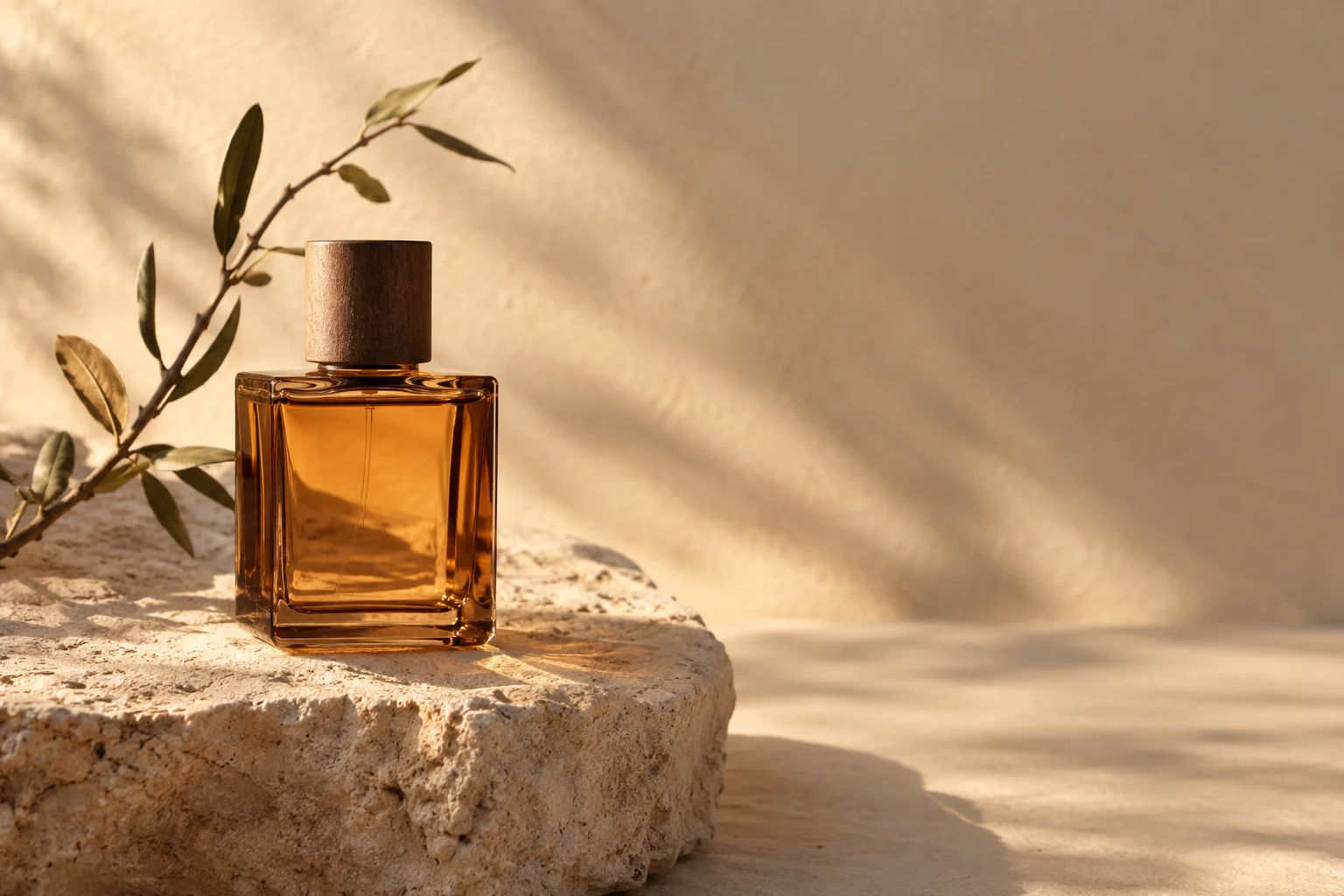
Creative illustration of an amber glass bottle on limestone in warm sunlight

MEET THE MODEL

What can you create with FLUX 3 Image Klein?

FLUX 3 Image Klein is an image model from Black Forest Labs with 5.6 billion parameters and open weights. It supports text-to-image generation, reference-image editing and scene layout guidance for product visuals, illustrations and social media images.

Read the official release
Developer
Black Forest Labs
Image generator
5.6B parameters
Published capabilities
Text to image · Editing · References

These are the model developer's capabilities, not a list of features currently offered by ZImage. Output sizes, editing tools, speed and pricing will be confirmed when our integration is ready.

FROM BRIEF TO IMAGE

FLUX 3 Image Klein prompt ideas: products, landscapes and posters

Start with a creative brief for a product image, landscape or poster. Copy the prompt into the generator, then refine the subject, lighting and composition for your project.

Creative illustration of an amber glass bottle on limestone in warm sunlight

A product with room to breathe

Build a product concept with deliberate space for your final advertising copy.

Prompt

Editorial product photograph of an unbranded amber glass perfume bottle on pale limestone, a small curved branch beside it, warm late-afternoon light from the left, long soft shadows, bottle in the left third, uncluttered sand-colored background and generous empty space on the right, realistic glass and stone textures, no text or logos.

Check the bottle shape, glass reflections and usable space for copy.

Try Qwen Image 2.1
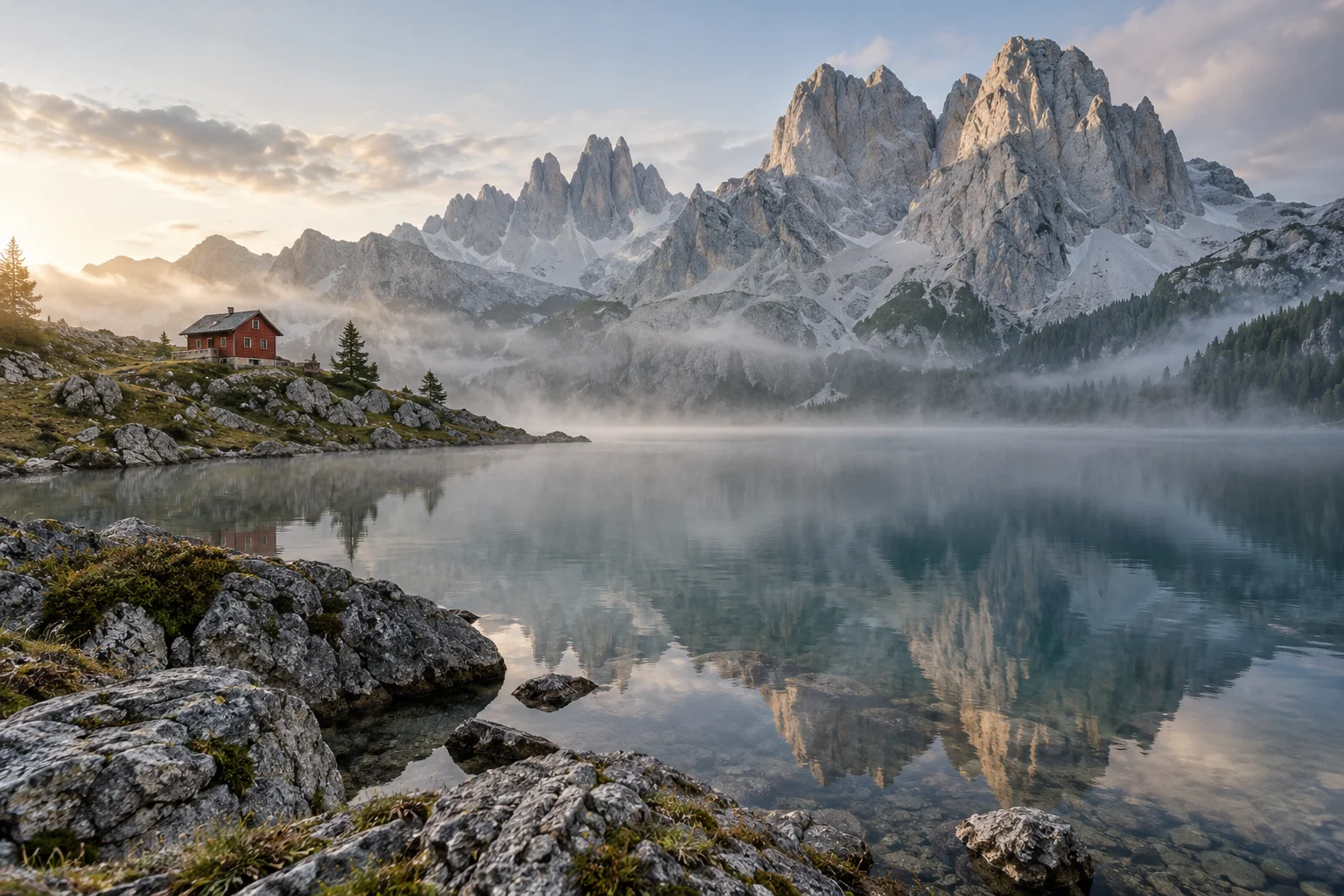
Creative illustration of a red alpine hut reflected in a misty mountain lake

A place with a point of view

Turn a travel or editorial brief into a scene with clear depth and atmosphere.

Prompt

Wide editorial landscape photograph of a small red mountain hut beside a still alpine lake, dramatic pale limestone peaks in the background, early morning mist above the water, restrained natural colors, subtle film grain, layered foreground rocks, realistic reflections, no people, no text or watermark.

Check reflections, depth and whether the composition follows the brief.

Try Qwen Image 2.1
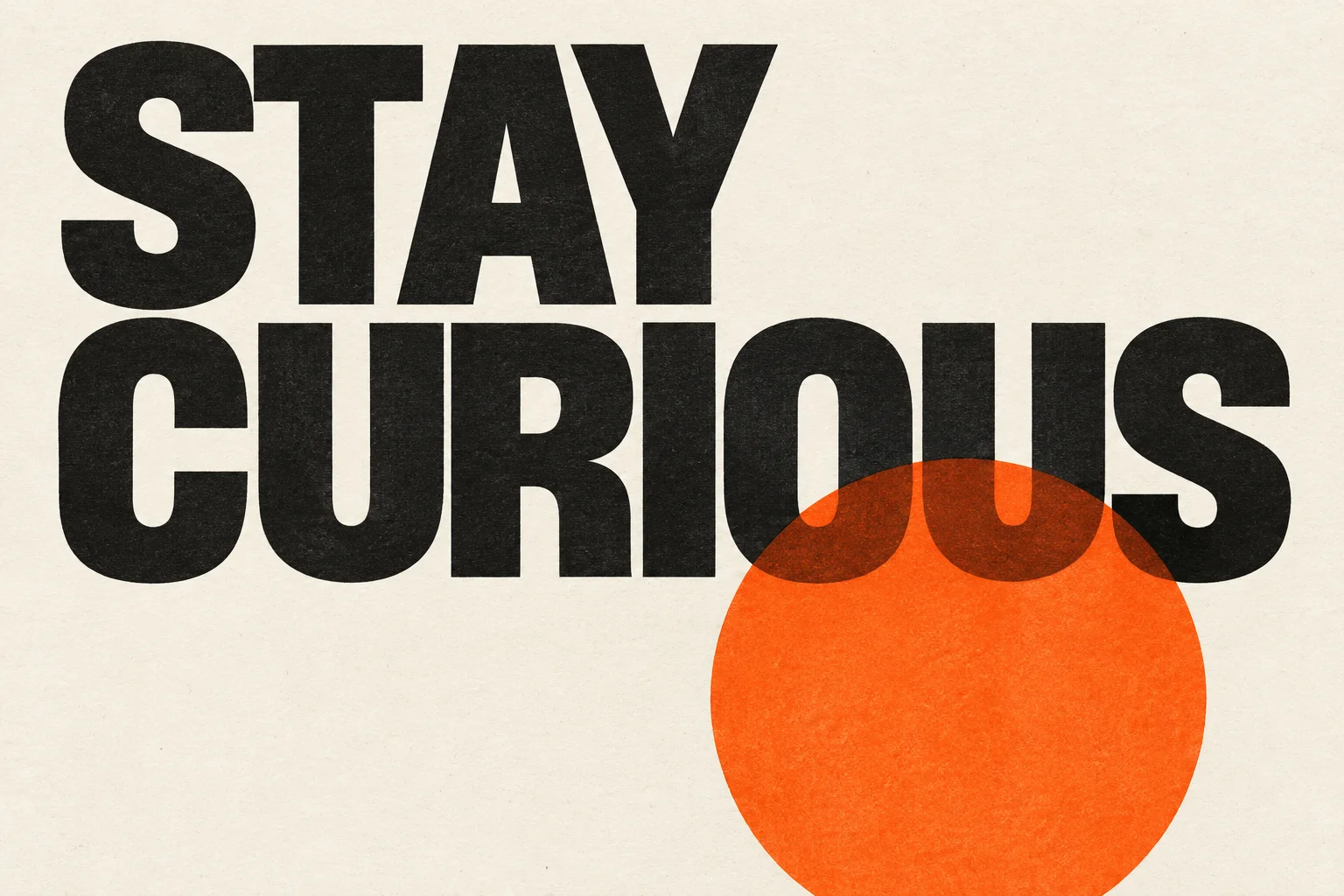
Creative poster illustration with the words STAY CURIOUS and an orange circle

A poster that says one thing

Give a short headline a clear hierarchy, then inspect every letter at full size.

Prompt

An editorial art exhibition poster on warm ivory paper, oversized deep-black sans-serif typography reading exactly STAY CURIOUS, a single vivid orange cut-paper circle partially overlapping the lower letterforms, precise Swiss graphic design, tactile printed ink and paper grain, generous margins, no other text, no logos or frame.

Check the exact spelling and spacing. Use a design tool for final typography when accuracy is essential.

Try Qwen Image 2.1

CHOOSE BY THE TASK

FLUX 3 Image Klein vs Qwen Image 2.1

The useful question is which output fits your brief. Here is where to start, without declaring a winner before testing.

FLUX 3 Image Klein vs Qwen Image 2.1
Your taskFLUX 3 Image KleinQwen Image 2.1
Explore a new modelRead the release and prepare prompts while ZImage integration is in progress.Available now on ZImage for image generation and editing.
Product scenes and editorial imagesA candidate to evaluate once available here. Inspect composition and material details.Try the same brief now and inspect the details that matter to your project.
Transparent stickers and isolated assetsNative transparent output is not promised by this page.Try native RGBA generation, then inspect the downloaded alpha channel and edges.
Posters and exact letteringInspect every word in the output; accurate text is not guaranteed.Try another interpretation and check spelling at full size.

This is a task guide, not a measured head-to-head benchmark. Each model has its own settings and credit cost.

ANOTHER WAY TO CREATE

Need transparent PNG assets? Try Qwen Image 2.1.

Create stickers and standalone design elements with a transparent background using Qwen Image 2.1’s native RGBA generation on ZImage. Check the downloaded file’s alpha channel and edges before adding the asset to your design.

A simple workflow, whichever model you choose

  1. 01

    Write the brief

    Name the subject, composition, lighting and anything the image must include or avoid.

  2. 02

    Choose an available model

    Review the selected model, image dimensions and credits before you generate.

  3. 03

    Inspect and refine

    Check details at full size. Change one part of the prompt, or copy it to Qwen for another interpretation.

FLUX 3 Image Klein: frequently asked questions

What is FLUX 3 Image Klein?

FLUX 3 Image Klein is a 5.6B open-weights image model developed by Black Forest Labs. It supports text-to-image generation, reference-image editing and scene layout guidance. Use it as a starting point for product concepts, illustrations and social visuals; the tools available on a website depend on its integration.

Do I need ComfyUI or my own GPU to create images on ZImage?

No. Use ZImage through your browser; generation runs on hosted servers, so you do not need to install ComfyUI, download model weights or configure a local GPU. Choose an available model and review its settings before generating.

How should I write a FLUX 3 Image Klein prompt for product images?

Describe the product, material, background, lighting and placement as one complete scene. If the image needs space for a headline, specify where that space should be. Use the product prompt on this page as a starting point, then inspect the shape, reflections and composition in your own output.

Can I use FLUX 3 Image Klein on ZImage now?

Not yet. Its ZImage integration is in progress. This page provides the model guide and prompts; the embedded generator currently uses the available model shown in its selector.

Is FLUX 3 Image Klein the same model as FLUX.2 Klein?

No. They are separate Black Forest Labs releases. FLUX 3 Image Klein has 5.6 billion parameters and was released on October 15, 2026. Use its own model card for capabilities and limitations; FLUX.2 settings and performance claims do not establish how FLUX 3 performs.

Is FLUX 3 Image Klein free on ZImage?

ZImage pricing and free access for FLUX have not been announced. Open weights do not mean unlimited free hosted generation. For today's available models, check the generator's account requirements and displayed credit cost before submitting.

Can I try Qwen Image 2.1 while FLUX is being added?

Yes. Open the Qwen Image 2.1 page to generate or edit images now. Copy one of the prompts here and review Qwen's settings before generating.

Which model should I use for transparent PNG assets?

Qwen Image 2.1 is an option for native RGBA assets such as stickers and isolated design elements. Request a transparent background and inspect the downloaded file's alpha channel. A picture of a checkerboard is not transparency.

Are the images on this page FLUX test results?

No. They are creative illustrations made with OpenAI image generation for this page. They do not demonstrate FLUX or Qwen performance, and the prompt ideas have not been validated as FLUX results.

Can I use generated images commercially?

Check the terms for the model and service you actually use, together with any rights in your inputs and outputs. FLUX 3 Image Klein has its own FLUX Kommunity License with conditions; open weights are not a blanket commercial permission.
Start your next product visual, illustration or social media image.

Start with the current generator, or explore native transparent assets in Qwen Image 2.1.