RedCraft Z-Image 1.5 AIO: Complete Guide to the Artistic Variant Model
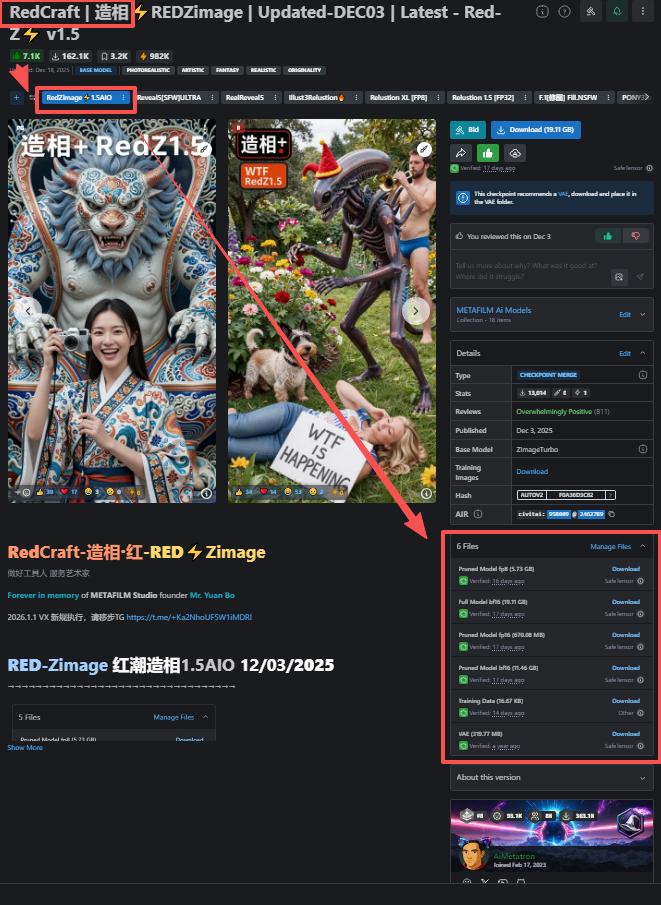
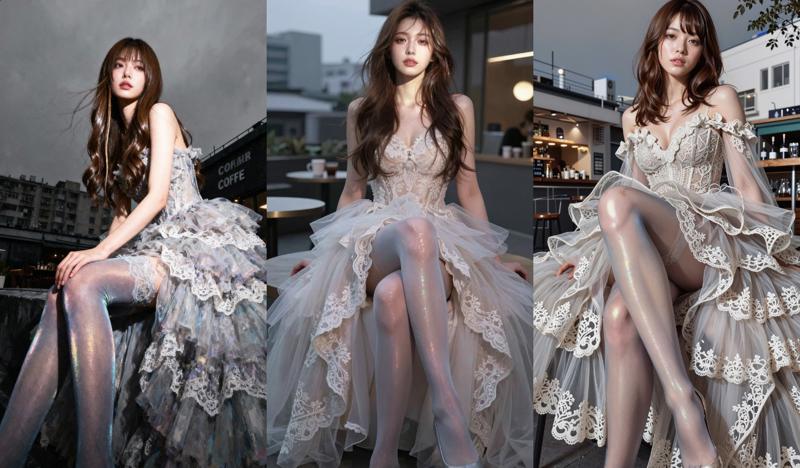
RedCraft, also known as RedZimage or 红潮造相 (Red Tide Image Creation), represents one of the most distinctive variant models in the Z-Image ecosystem. Optimized for vivid colors and expressive visual styles, RedCraft has become a go-to choice for creators seeking bold, artistic image generation with strong visual impact.
This comprehensive guide explores RedCraft Z-Image 1.5 AIO, covering its capabilities, optimal use cases, and how it compares to other Z-Image variants.
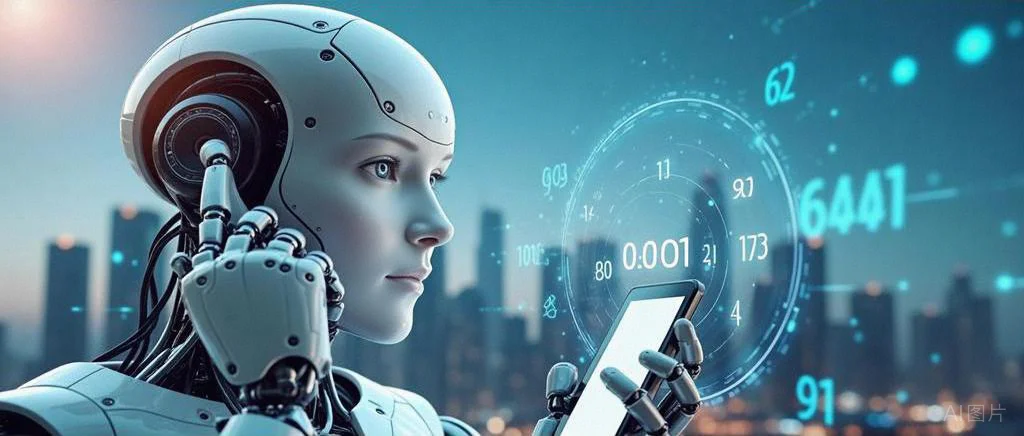
What is RedCraft Z-Image?
RedCraft is a fine-tuned variant of Z-Image Turbo, specifically optimized for generating images with vibrant colors, strong visual expression, and artistic flair. Developed as part of the Z-Image model family, RedCraft maintains the base model's 6 billion parameter efficiency while introducing specialized training for creative and commercial applications.
Key Characteristics
Visual Style: RedCraft excels at producing images with:
- Vivid, saturated color palettes
- Strong visual contrast and impact
- Artistic interpretation of prompts
- Commercial-ready aesthetics
- Bold compositional choices
Technical Foundation: Built on Z-Image Turbo's architecture, RedCraft inherits:
- 8-step ultra-fast inference
- 1024x1024 default resolution
- Bilingual prompt support (English and Chinese)
- Efficient 6B parameter model size
- ComfyUI and Diffusers compatibility
RedCraft vs Other Z-Image Variants
Understanding how RedCraft differs from other Z-Image models helps you choose the right tool for your project.
Z-Image Turbo (Base Model)
Best For: General-purpose image generation, balanced realism
Characteristics:
- Neutral color grading
- Photorealistic output
- Versatile across subjects
- Fast iteration speed
When to Choose: Default choice for most projects, especially when you need reliable, realistic results without specific stylistic requirements.
Beyond Reality Z-Image
Best For: Portrait photography, human subjects
Characteristics:
- Photorealistic skin textures
- Accurate facial features
- Professional lighting simulation
- Natural color reproduction
When to Choose: Portraits, headshots, character design requiring maximum realism, fashion photography.
RedCraft Z-Image
Best For: Artistic projects, commercial design, bold visuals
Characteristics:
- Vibrant, saturated colors
- Strong visual expression
- Artistic interpretation
- Commercial aesthetics
When to Choose: Advertising, poster design, artistic projects, social media content, brand visuals requiring impact.
Dark Beast Z-Image
Best For: Dark fantasy, atmospheric imagery, dramatic scenes
Characteristics:
- High contrast rendering
- Moody atmospheres
- Dark color palettes
- Dramatic lighting
When to Choose: Game concept art, dark fantasy illustrations, horror themes, cyberpunk aesthetics, dramatic compositions.
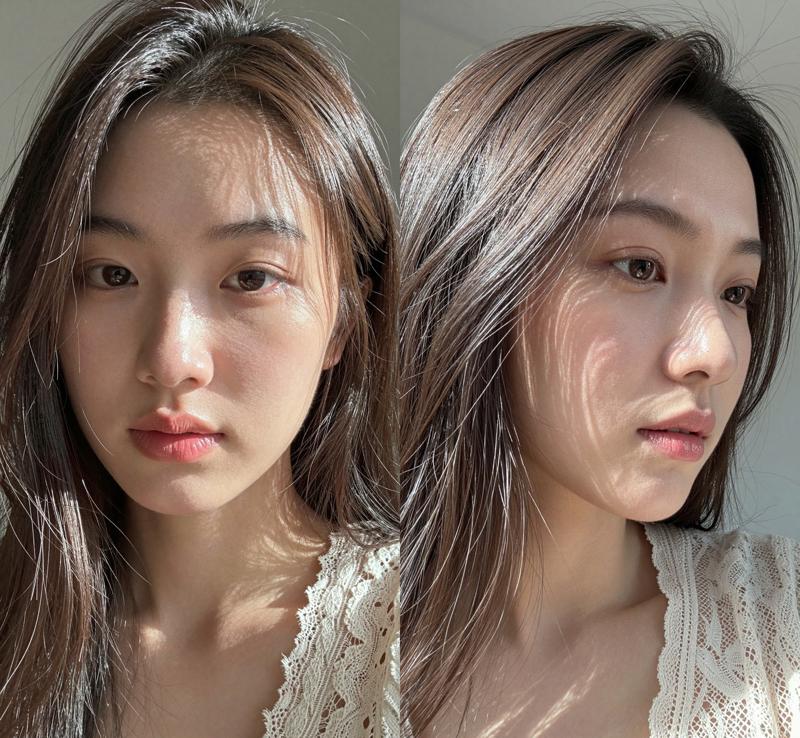
Optimal Use Cases for RedCraft
Commercial Advertising
RedCraft's vibrant color reproduction makes it ideal for advertising materials:
Product Photography:
Prompt: "luxury perfume bottle on marble surface, dramatic lighting,
vibrant purple and gold tones, commercial product photography,
high-end aesthetic, 8k quality"
RedCraft enhances product appeal through color saturation and professional composition, creating images that grab attention in crowded marketplaces.
Brand Visuals:
- Social media graphics
- Banner advertisements
- Marketing collateral
- Brand identity materials
Poster and Print Design
The model's strong visual impact translates well to large format:
Event Posters:
Prompt: "music festival poster design, vibrant neon colors,
energetic composition, bold typography integration,
modern graphic design style, eye-catching visual"
Art Prints:
- Gallery-quality artwork
- Decorative prints
- Limited edition releases
- Commercial art projects
Social Media Content
RedCraft's bold aesthetics perform exceptionally well on visual platforms:
Instagram and Pinterest:
- Attention-grabbing thumbnails
- Story graphics
- Feed posts with high engagement
- Carousel designs
Content Creator Assets:
- YouTube thumbnails
- Podcast cover art
- Stream overlays
- Channel branding
Creative and Artistic Projects
For projects prioritizing artistic expression over photorealism:
Conceptual Art:
Prompt: "surreal landscape with floating islands, vibrant sunset colors,
dreamlike atmosphere, artistic interpretation, bold color choices,
imaginative composition"
Stylized Illustrations:
- Book covers
- Album artwork
- Editorial illustrations
- Concept sketches
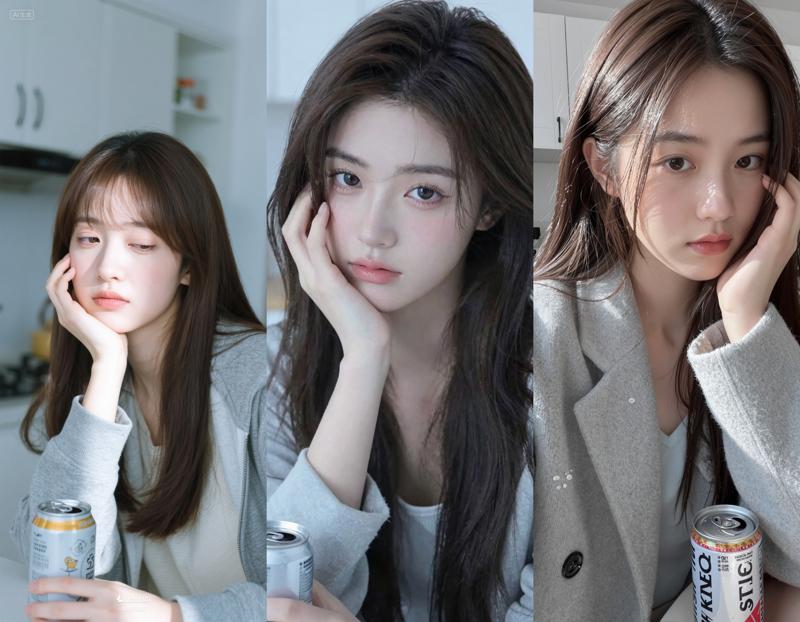
Using RedCraft: Practical Guide
Accessing RedCraft
Web Platform (Recommended for Beginners):
RedCraft is available on platforms like zimage.run with no installation required:
- Visit the platform
- Select "RedCraft Z-Image" from model dropdown
- Enter your prompt
- Generate images instantly
Advantages:
- No setup required
- No hardware limitations
- Immediate access
- Free for text-to-image generation
Local Installation:
For advanced users with compatible hardware:
from diffusers import DiffusionPipeline
import torch

# Load RedCraft model
pipe = DiffusionPipeline.from_pretrained(
    "path/to/redcraft-model",
    torch_dtype=torch.float16
)
pipe.to("cuda")

# Generate image
prompt = "vibrant street art mural, bold colors, urban aesthetic"
image = pipe(
    prompt=prompt,
    num_inference_steps=8,
    guidance_scale=7.5
).images[0]

image.save("redcraft_output.png")
Prompt Engineering for RedCraft
RedCraft responds particularly well to prompts emphasizing color and visual impact:
Effective Prompt Structure:
- Subject: What you want to generate
- Color Emphasis: Specific color descriptions
- Style Keywords: "vibrant", "bold", "vivid", "striking"
- Composition: Layout and framing
- Quality Tags: "commercial photography", "professional", "high-end"
Example Prompts:
Product Shot:
"luxury watch on black velvet, dramatic side lighting,
vibrant gold and silver tones, commercial product photography,
sharp focus, premium aesthetic, 8k quality"
Artistic Portrait:
"portrait of woman with vibrant makeup, bold color palette,
artistic lighting, fashion photography style,
striking visual composition, high contrast"
Landscape:
"mountain landscape at golden hour, vibrant orange and purple sky,
dramatic clouds, bold color saturation,
professional landscape photography, breathtaking vista"
Parameter Optimization
Inference Steps:
- RedCraft maintains quality at 8 steps (default)
- Increase to 12-16 for maximum detail
- Lower to 6 for faster iteration
Guidance Scale:
- 7.0-8.0: Balanced interpretation
- 8.0-10.0: Stronger prompt adherence
- 5.0-7.0: More creative freedom
Resolution:
- 1024x1024: Standard output
- 1536x1536: Higher detail
- 768x1024: Portrait orientation
- 1024x768: Landscape orientation
RedCraft in Production Workflows
Integration with Design Tools
Photoshop Workflow:
- Generate base image with RedCraft
- Import to Photoshop
- Fine-tune colors and composition
- Add text and branding elements
- Export for final use
Figma/Sketch Integration:
- Use RedCraft for background elements
- Generate texture overlays
- Create unique visual assets
- Develop mood boards
Batch Generation Strategies
For projects requiring multiple variations:
prompts = [
    "product shot variation 1: frontal view",
    "product shot variation 2: 45-degree angle",
    "product shot variation 3: top-down view",
    "product shot variation 4: lifestyle context"
]

for idx, prompt in enumerate(prompts):
    image = pipe(prompt=prompt).images[0]
    image.save(f"redcraft_batch_{idx}.png")
Quality Control
Evaluation Criteria:
- Color vibrancy meets brand guidelines
- Composition aligns with design intent
- Visual impact appropriate for medium
- Technical quality sufficient for output size
Iteration Strategy:
- Generate 4 variations with different seeds
- Select best 2 candidates
- Refine prompts based on results
- Generate final versions
- Upscale if needed for print
Advanced Techniques
Combining with LoRA Styles
RedCraft works well with LoRA (Low-Rank Adaptation) style modifiers:
Available Styles:
- Watercolor effects
- Oil painting aesthetics
- Sketch and line art
- Vintage photography
- Cyberpunk themes
Implementation:
# Load RedCraft with LoRA
pipe.load_lora_weights("path/to/lora/style.safetensors")

# Generate with combined style
image = pipe(
    prompt="your prompt here",
    cross_attention_kwargs={"scale": 0.7}
).images[0]
Image-to-Image with RedCraft
Transform existing images with RedCraft's artistic interpretation:
from PIL import Image

# Load reference image
init_image = Image.open("reference.png").resize((1024, 1024))

# Apply RedCraft style
image = pipe(
    prompt="vibrant artistic interpretation",
    image=init_image,
    strength=0.7  # 0.0-1.0, higher = more transformation
).images[0]
Use Cases:
- Style transfer to existing photos
- Artistic reinterpretation
- Color grading enhancement
- Creative variations
Seed Management for Consistency
When you need consistent results across a series:
# Fix seed for reproducibility
generator = torch.Generator(device="cuda").manual_seed(42)

# Generate series with same seed
for variation in range(4):
    prompt = f"product shot, variation {variation}, vibrant colors"
    image = pipe(
        prompt=prompt,
        generator=generator
    ).images[0]
Comparison with Other AI Image Generators
RedCraft vs Midjourney
RedCraft Advantages:
- Free and open-source
- Faster generation (8 steps)
- Local deployment option
- No subscription required
- Commercial use without restrictions
Midjourney Advantages:
- Larger model capacity
- More training data
- Established community
- Consistent quality
RedCraft vs DALL-E 3
RedCraft Advantages:
- No usage limits
- Open-source flexibility
- Faster iteration
- Customizable through fine-tuning
DALL-E 3 Advantages:
- Better text rendering
- More sophisticated understanding
- Integrated with ChatGPT
RedCraft vs Stable Diffusion XL
RedCraft Advantages:
- Smaller model size (6B vs 12B parameters)
- Faster inference
- Optimized for artistic output
- Better color vibrancy out-of-box
SDXL Advantages:
- Larger community
- More available LoRAs
- Broader training data
- More photorealistic default
Common Issues and Solutions
Colors Too Saturated
Problem: Output colors appear oversaturated or unrealistic.
Solutions:
- Reduce guidance scale to 6.0-7.0
- Add "natural colors" or "subtle tones" to prompt
- Use negative prompts: "oversaturated, neon, artificial"
- Post-process in editing software
Inconsistent Style
Problem: Generated images vary too much in style.
Solutions:
- Use fixed seed values
- Include specific style keywords consistently
- Increase guidance scale for stronger prompt adherence
- Reference successful prompts as templates
Composition Issues
Problem: Subject placement or framing doesn't match intent.
Solutions:
- Be explicit about composition in prompt
- Use terms like "centered", "rule of thirds", "close-up"
- Generate multiple variations and select best
- Consider image-to-image with sketch reference
Future Development
The RedCraft model continues to evolve with the Z-Image ecosystem:
Upcoming Features:
- Enhanced resolution support (2K+)
- Improved text rendering
- Additional style presets
- Better prompt understanding
- Optimized inference speed
Community Contributions:
- Custom LoRA training
- Prompt libraries
- Workflow templates
- Integration plugins
Conclusion
RedCraft Z-Image 1.5 AIO fills a unique niche in the AI image generation landscape, offering vibrant, artistic output optimized for commercial and creative applications. Its combination of bold visual style, fast generation speed, and accessibility makes it an excellent choice for:
- Designers creating advertising and marketing materials
- Content creators producing eye-catching social media assets
- Artists exploring digital art with AI assistance
- Businesses generating brand visuals without expensive photoshoots
The model's free availability through platforms like zimage.run removes barriers to entry, allowing anyone to experiment with professional-quality artistic image generation. Whether you're creating a single poster or developing an entire visual campaign, RedCraft provides the tools to produce striking, memorable imagery.
Start exploring RedCraft's capabilities today—select the model from the dropdown, craft your prompt emphasizing color and visual impact, and discover how AI-powered artistic generation can enhance your creative projects.